Taking Your Dynamic Query Further: Cascading Parameters
Create cascading parameters in VDM so an earlier selection filters the values available in the next parameter's Dynamic Query.
Read article
VDM releases, WebReports updates, Bridgit news and reporting examples from our team.
Create cascading parameters in VDM so an earlier selection filters the values available in the next parameter's Dynamic Query.
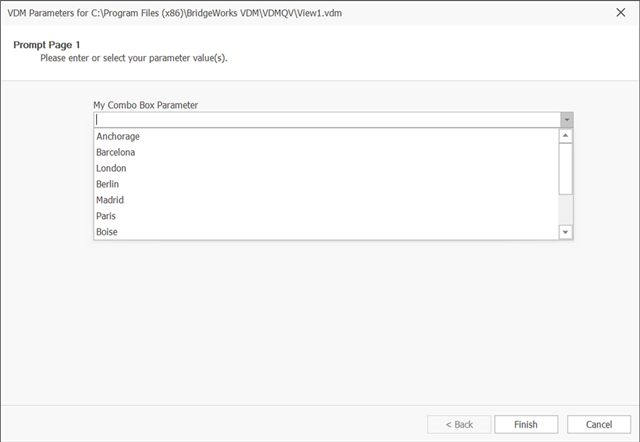
Read articlePopulate VDM parameter value lists with a SQL Dynamic Query and use the results in IN or combobox parameter prompts.
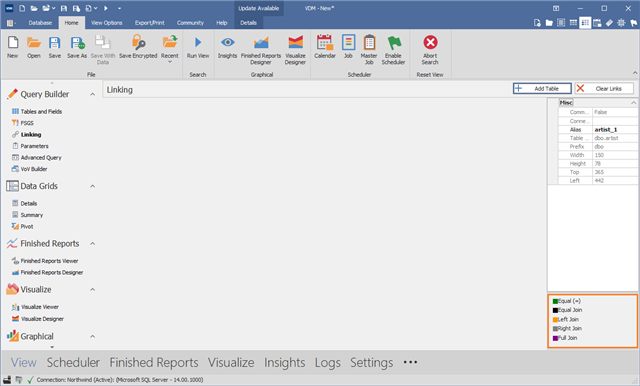
Read articleUse the color legend on VDM's Linking page to identify join types in your table relationships, with an example of each available join.
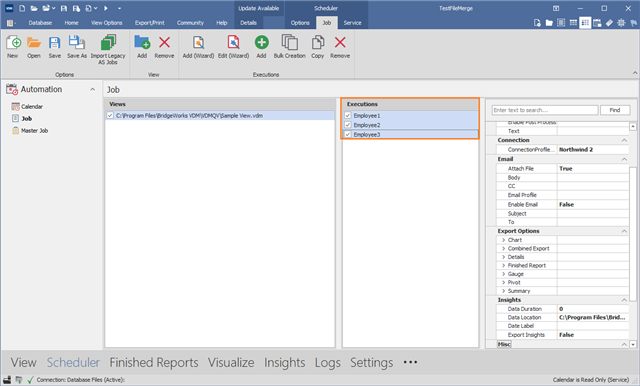
Read articleSelect multiple VDM Scheduler job executions with Ctrl or Shift and update shared export properties without editing each execution separately.
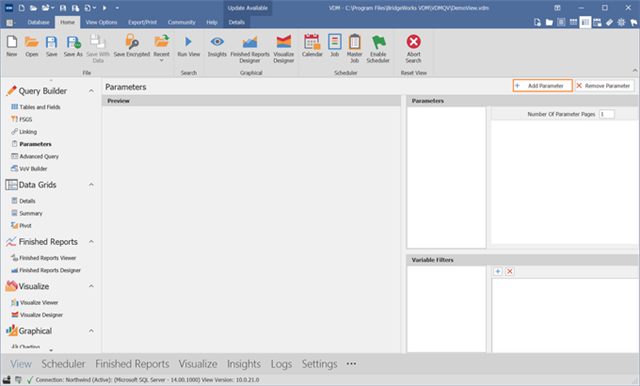
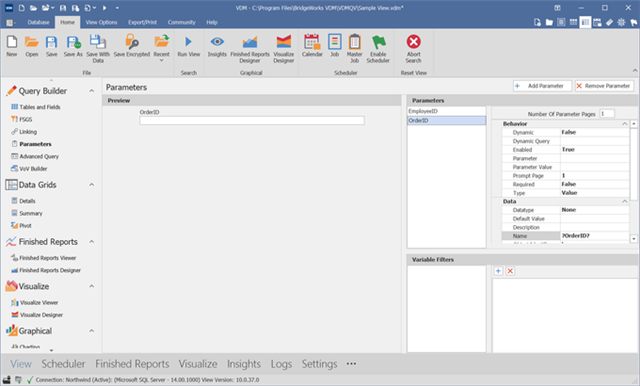
Read articleCreate VDM parameters that prompt for filter values at run time, with a combobox example for reusing one View with different criteria.
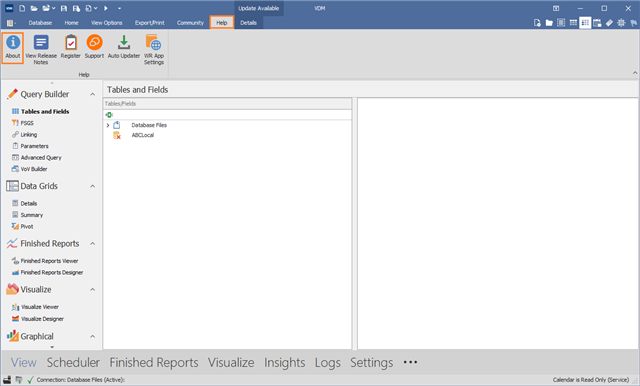
Read articleCheck your installed VDM version in Help > About and review release severity indicators when deciding which product updates to apply.
Read articleUnderstand inner, left, right and full joins in VDM, then learn how to link fields between tables when building a reporting View.
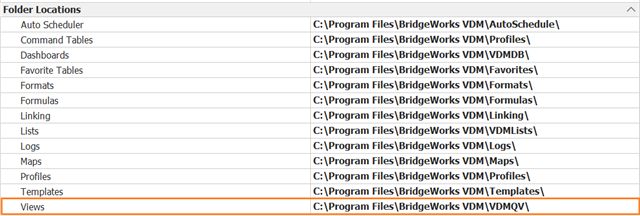
Read articleFind VDM's AutoSavesBackups folder and understand the version, date, time and View name used in automatically saved backup filenames.
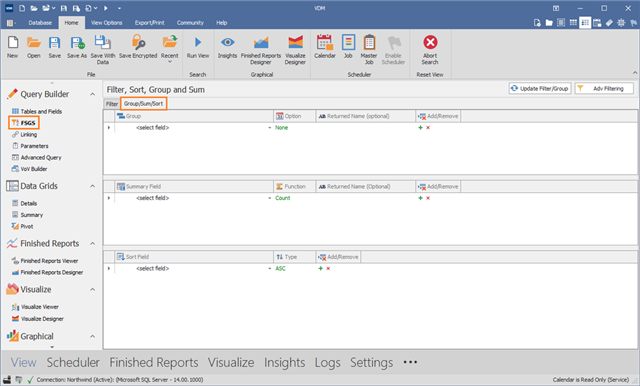
Read articleLearn how to group records, summarize numeric fields and sort results in VDM's FSGS section for Detail and Summary Grids.
Read article