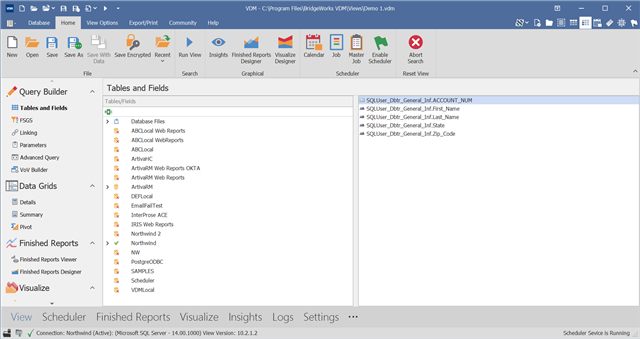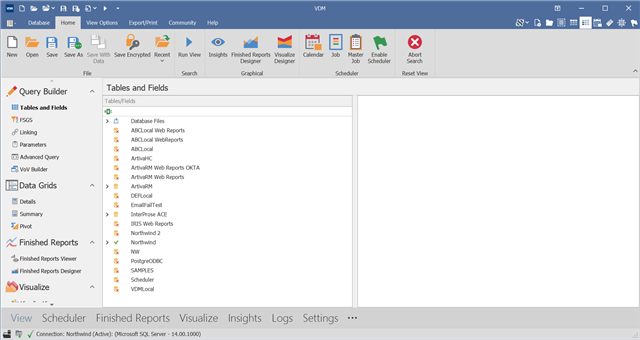
Open With No Data - Finished Reports
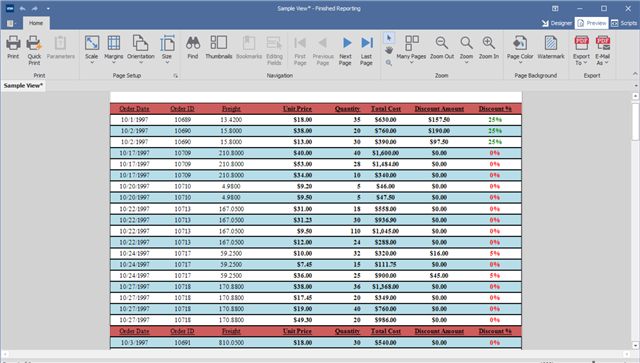
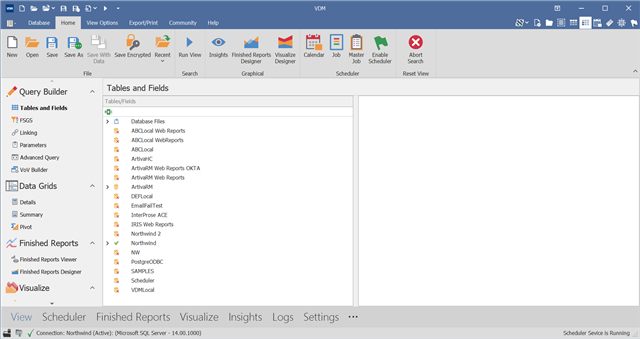
Enable Open With No Data in VDM to enter the Finished Reports designer for layout edits without first running a long query.
Read article
VDM releases, WebReports updates, Bridgit news and reporting examples from our team.
Enable Open With No Data in VDM to enter the Finished Reports designer for layout edits without first running a long query.
Read articlePrepare logs, screenshots, View files and environment details to help the BridgeWorks support team investigate a VDM reporting issue.
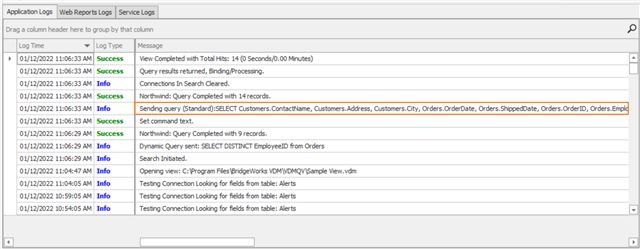
Read articleLearn how to enable VDM's query-redaction option and inspect the logs to verify the resulting masked query, with before-and-after examples.
Read articleUse cross-band lines in VDM Finished Reports to create column dividers and borders that span report headers, detail bands and footers.
Read articleEnable VDM's EmbeddedCommandTables setting by default so newly created Views can carry their command tables when shared.
Read articleEmbed command tables inside a VDM View file so the View can be shared without distributing its command table files separately.
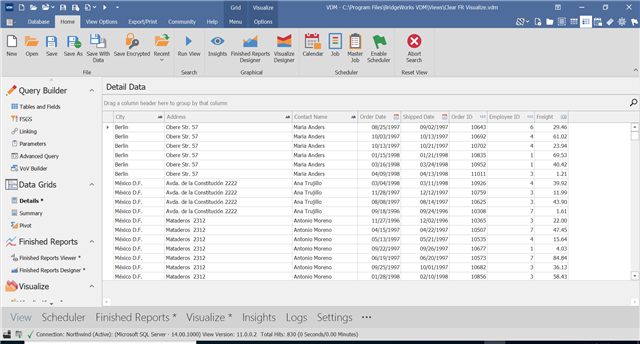
Read articleLearn how to clear a Finished Report or Visualize layout from a VDM View when starting fresh, including the recommended backup step.
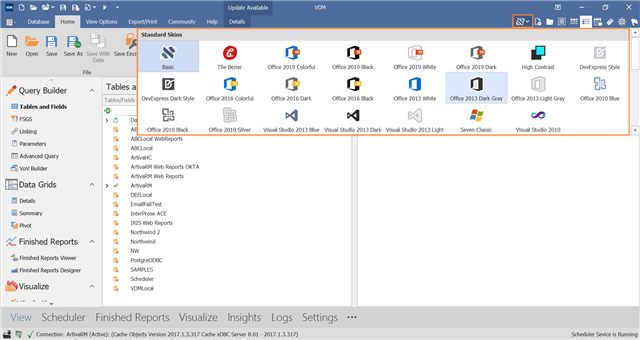
Read articleExplore VDM interface skins, including light, dark and holiday variants, and see where to change the application's appearance.
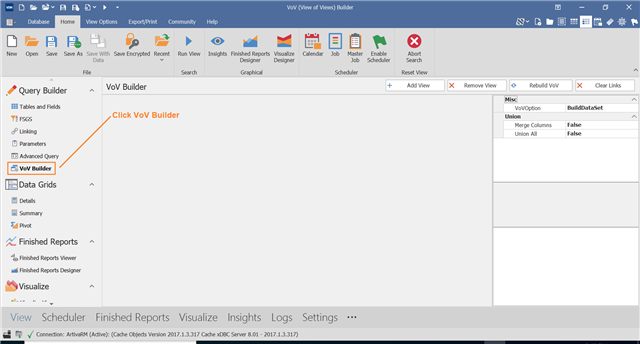
Read articleUpdate ViewPath properties in VDM's VoV Builder after moving View files, then rebuild and save the VoV to use the new locations.
Read article