Importing Your Calendar File To A SQL Database
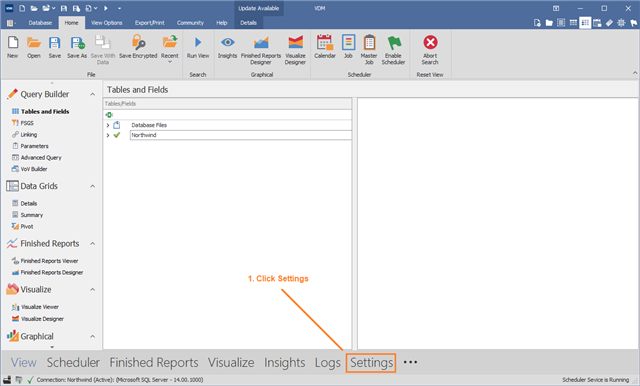
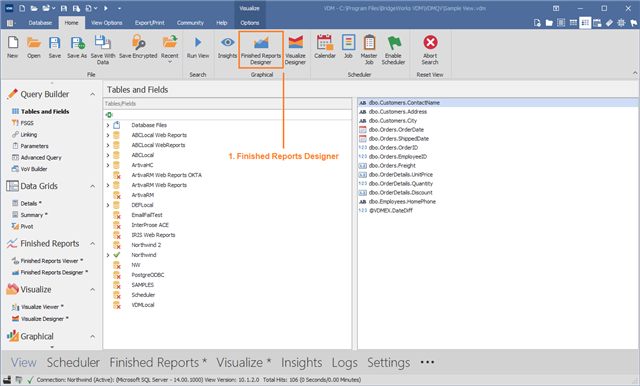
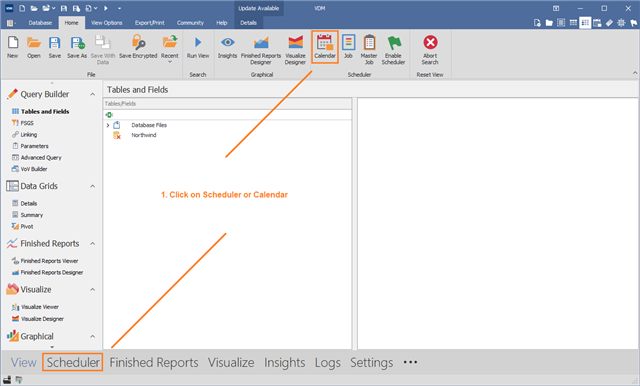
Import existing VDM CALENDAR appointments into a SQL-backed Scheduler and verify that the expected scheduled jobs appear afterward.
Read article
VDM releases, WebReports updates, Bridgit news and reporting examples from our team.
Import existing VDM CALENDAR appointments into a SQL-backed Scheduler and verify that the expected scheduled jobs appear afterward.
Read articleConfigure a SQL-backed VDM Scheduler profile, apply it to User, Global and Service options, and prepare to migrate CALENDAR appointments.
Read articleEdit Finished Reports expressions from one place in VDM's Edit Bindings dialog and filter the list to identify invalid bindings.
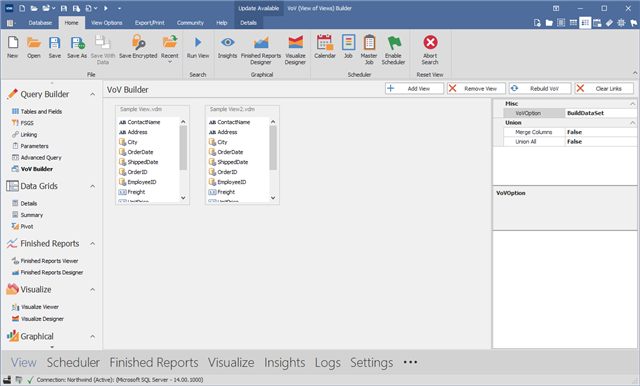
Read articleCombine VDM Views into a joined dataset using VoV Builder, define relationships between fields and review the combined reporting results.
Read articleTroubleshoot a VDM Scheduler service that stopped running after its account password changed or expired, using Windows service Log On settings.
Read articleUse VDM's VoV Builder to combine Views into an unjoined dataset, keeping separate result tables for reporting or Excel worksheets.
Read articleInspect the SQL sent by a VDM View to diagnose unexpected results, with an example of finding and correcting an invalid filter date.
Read articleUse your own SQL in VDM's Advanced Query editor, with SELECT, JOIN and WHERE examples for building or bringing existing queries into Views.
Read articleBuild a pivot grid in VDM by assigning column, row and data fields, with an example summarizing quantities by employee and order date.
Read article